

Cancel a service
- In the client area, open Services and select the server.
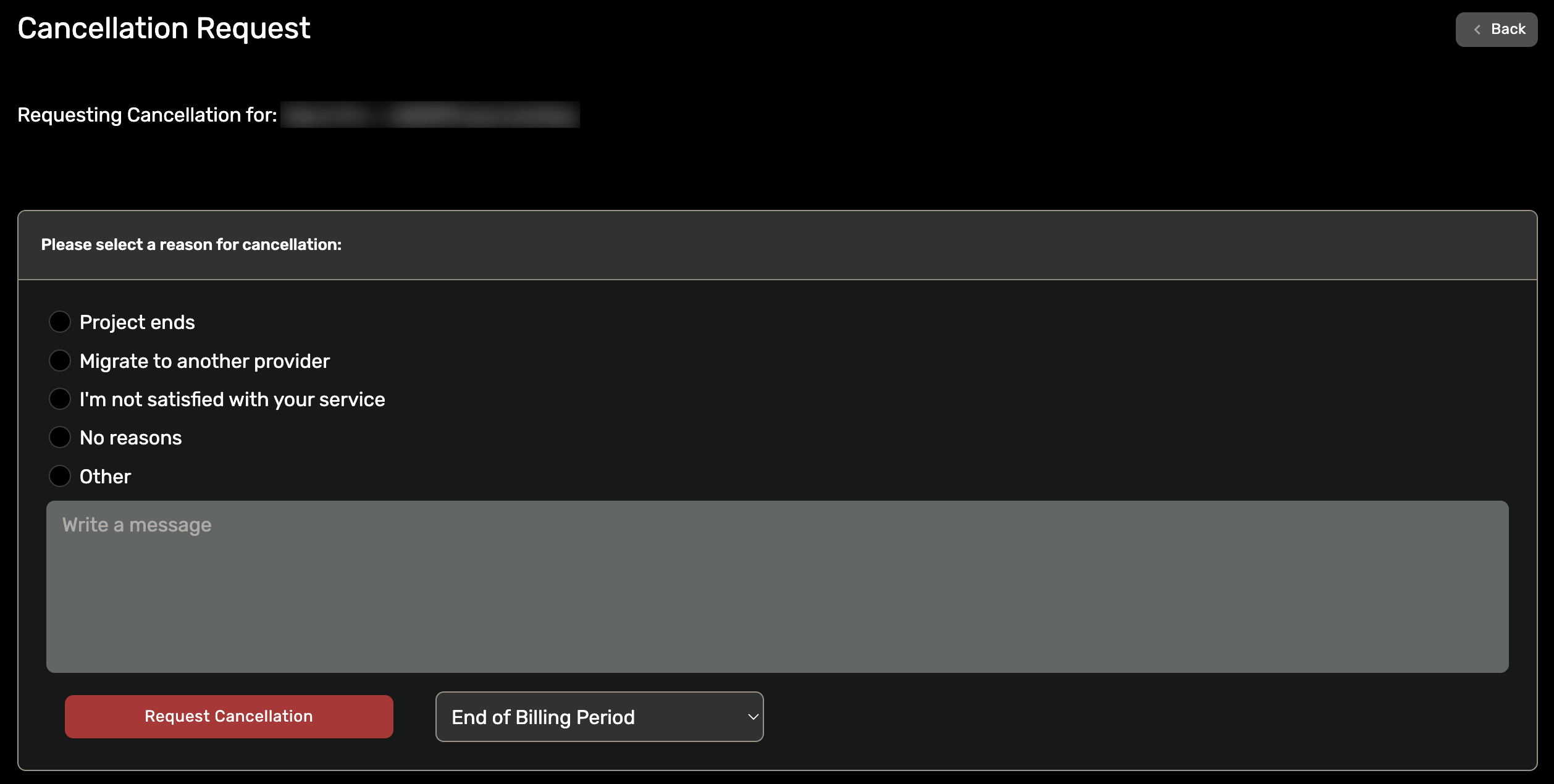
- Click Billing, then Request Cancellation.
- Choose a reason and submit.
A few things to know:
- Submitting a cancellation request does not delete the VPS immediately; the service ends at the close of the current billing cycle.
- A service with a pending cancellation request will not auto-renew.
- Cancelling is not the same as a refund. If you want your money back, open a ticket and ask; see the Terms of Service for what qualifies.
- Once a VPS is deleted, its data cannot be recovered. Back up anything you need before the service ends.
Questions along the way? Open a ticket and a person answers, 24x7.