

Order a VPS
Pick a product line
| Product line | Best for |
|---|---|
| Cloud KVM VPS | The standard choice: blogs, development environments, small and mid-size projects |
| Performance KVM VPS | Databases, high-concurrency and compute workloads, with backups included |
| Storage KVM VPS | Backups, file storage and media, with big disks and generous transfer |
| Edge KVM VPS | Latency-sensitive workloads close to end users |
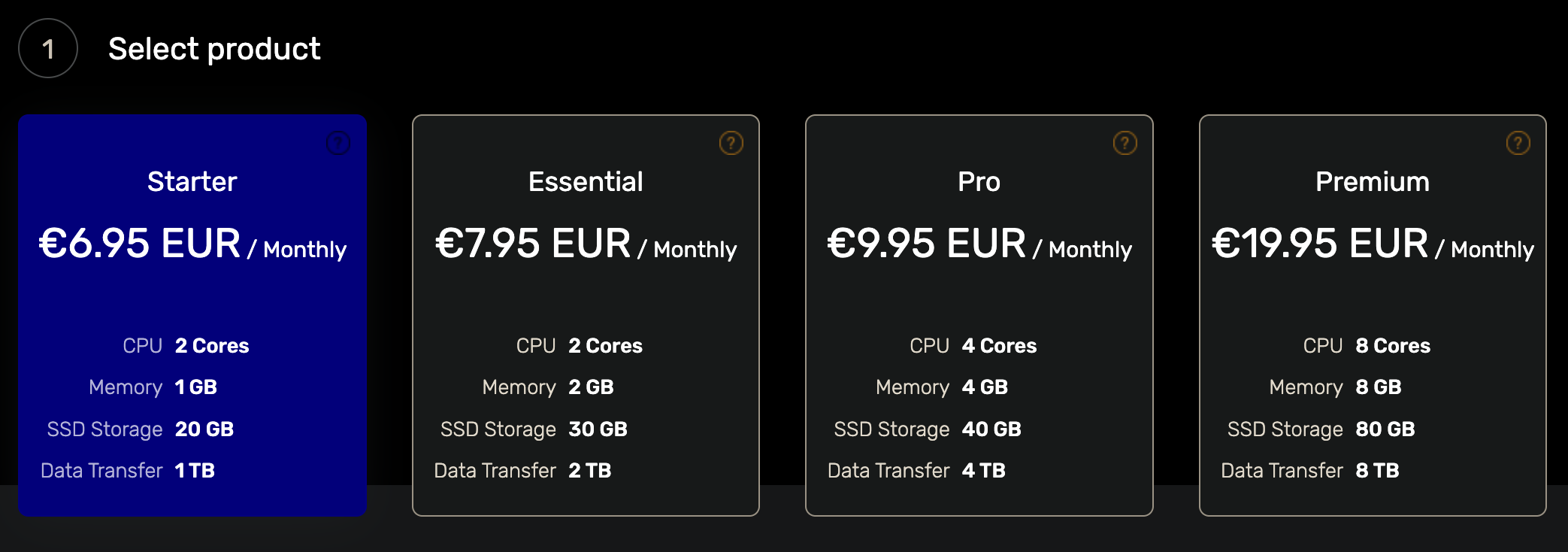
Within Cloud KVM VPS, the tiers run from Starter (entry level) through Essential to Pro.
Place the order
In the client area, open the Order menu and pick the product you want.
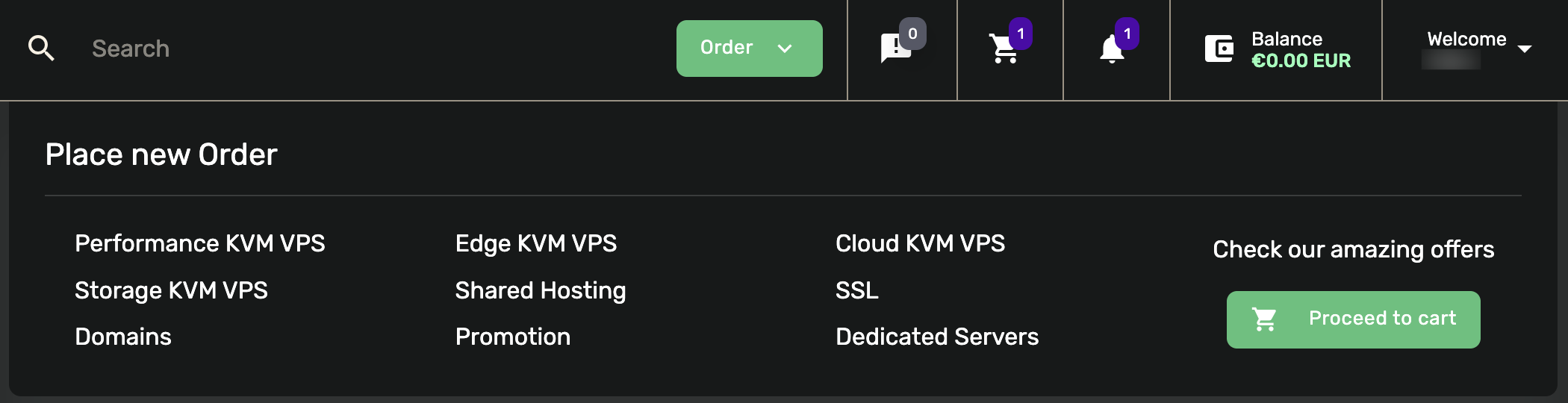
Then choose your configuration:
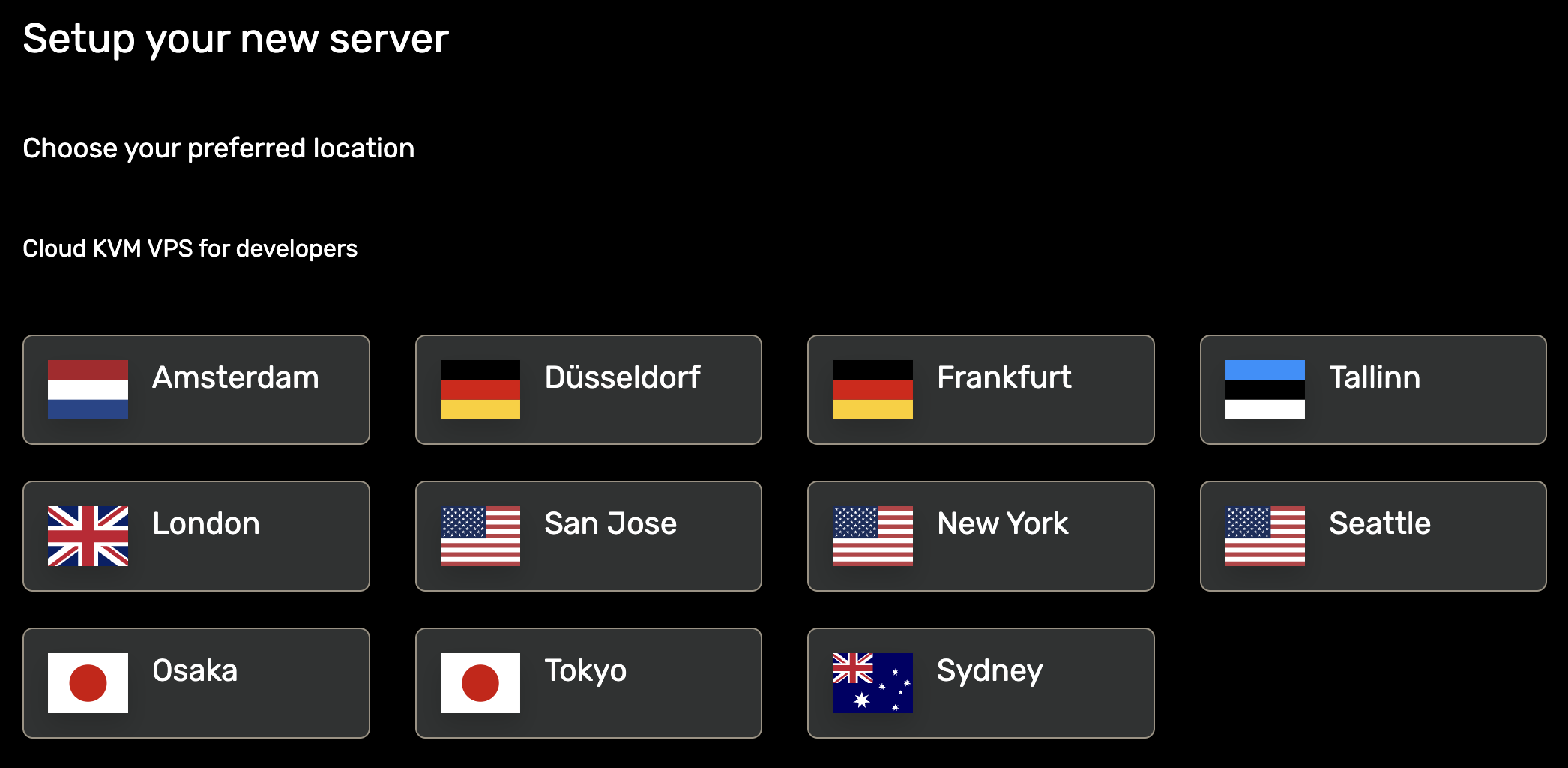
- Location: the data center your server will live in. Compare them on the locations page and test latency from the looking glass first.
- Plan: the CPU, memory, storage and transfer tier.
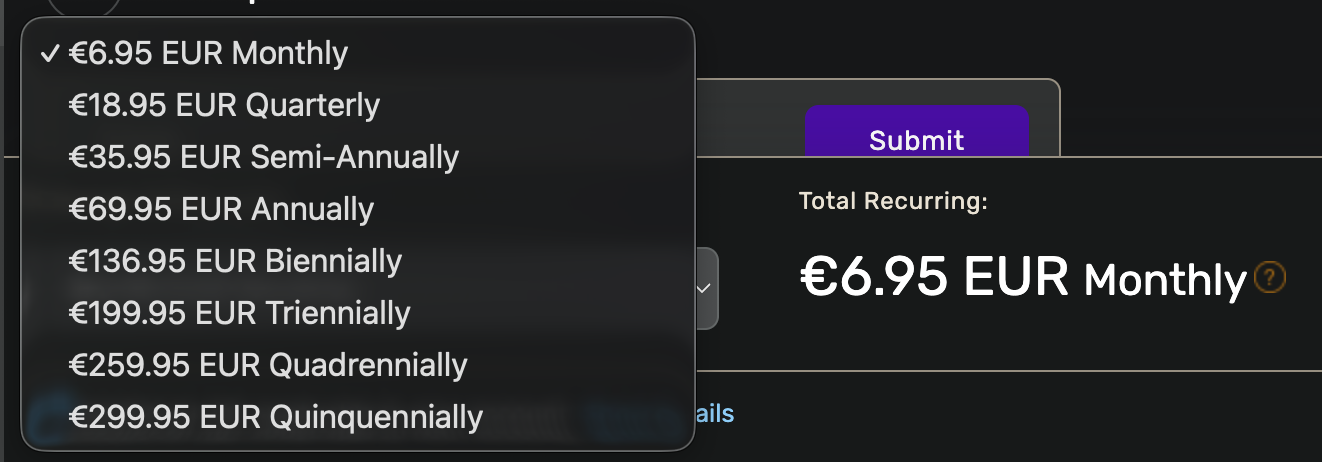
- Billing cycle: monthly, quarterly, semi-annual, annual, or multi-year terms.
Add an SSH key (optional)
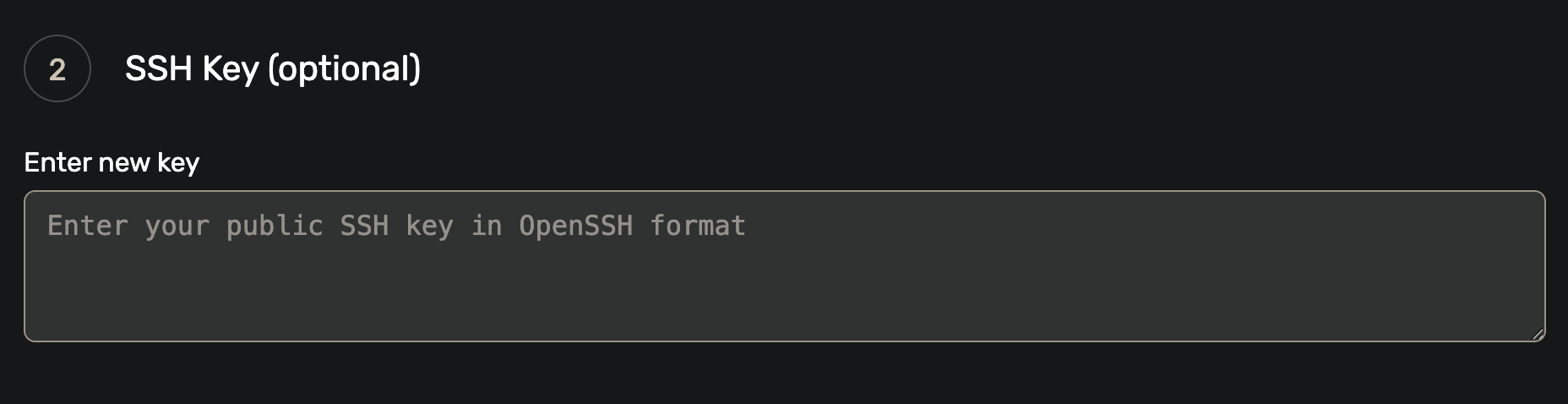
On the order configuration page you can add an SSH public key: select Enter new key and paste your local public key into the text box.
Check out
Click Order Now to add the server to your cart.
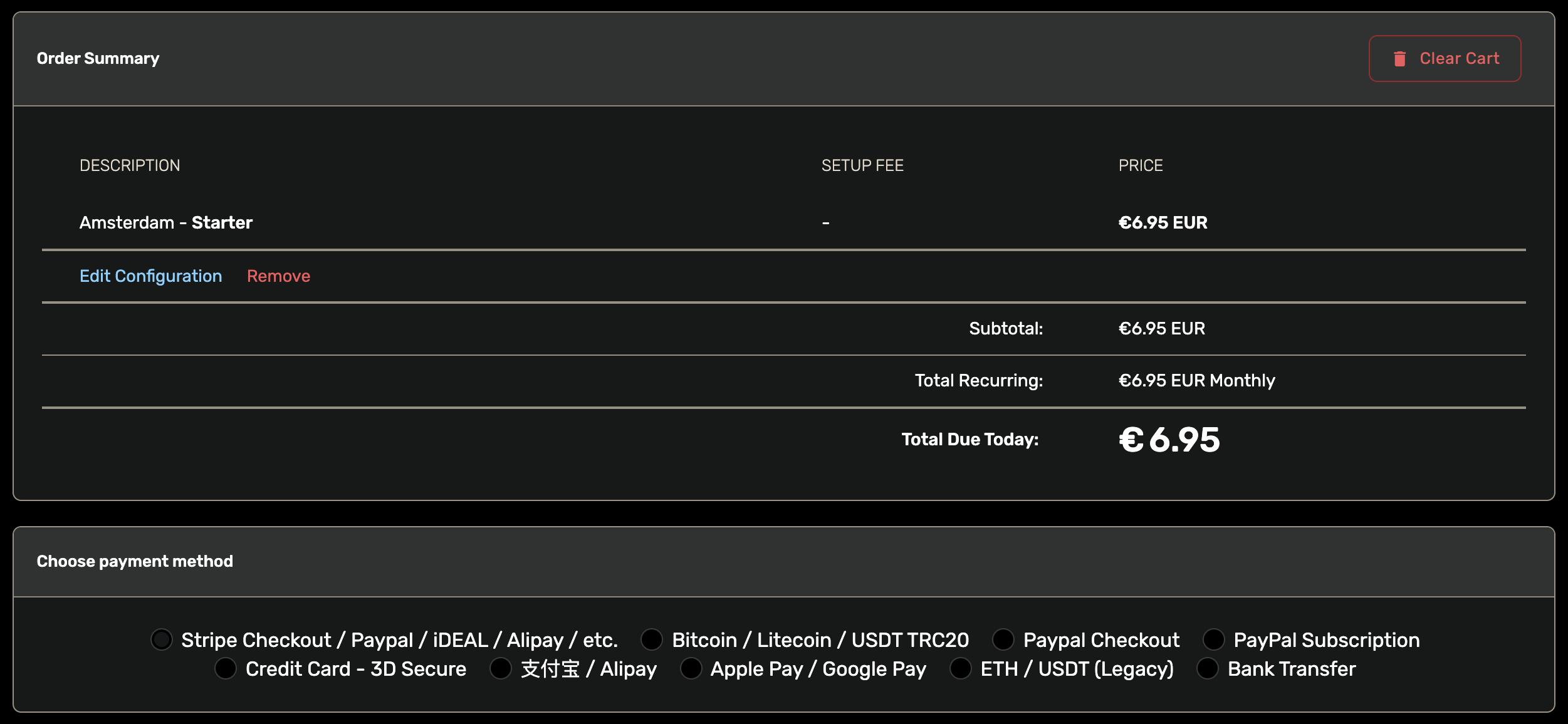
Review the configuration and price, then click Checkout.
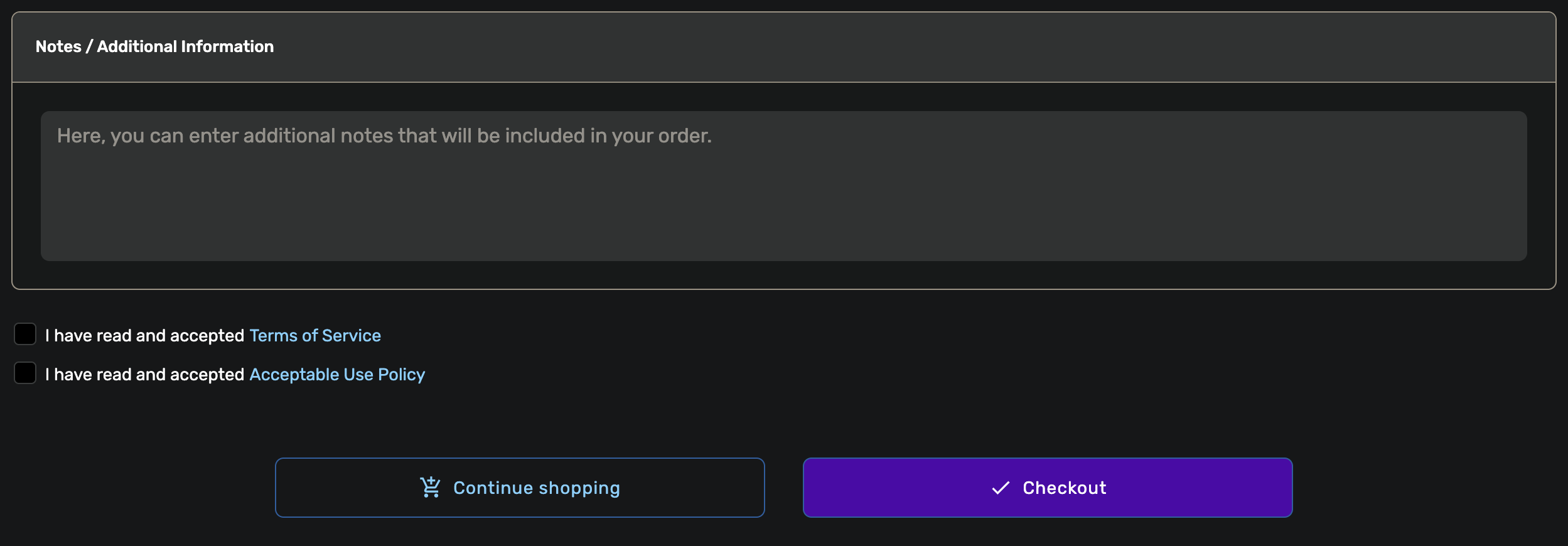
Pick a payment method and complete the payment. The methods available to you are shown on the checkout page.
Your service
After payment, the system activates your server automatically. Open Services in the client area to see it.
The service detail page shows:
- The IP addresses of your VPS
- The root password
- The expiry date
- The management functions (boot, reboot, rebuild and more)
Next step: Rebuild your VPS