

Order cPanel hosting
Pick a plan
V.PS cPanel shared hosting runs on the premium network in San Jose. All four plans are billed annually and include SSD storage, email accounts and a dedicated IP:
| Plan | SSD | Bandwidth | Price per year |
|---|---|---|---|
| Starter | 10 GB | 100 GB | €19.95 |
| Pro | 20 GB | 200 GB | €29.95 |
| Premium | 50 GB | 500 GB | €39.95 |
| Platinum | 100 GB | 1000 GB | €59.95 |
Place the order
In the client area, open the Order menu and pick the hosting product, or start from the hosting page.
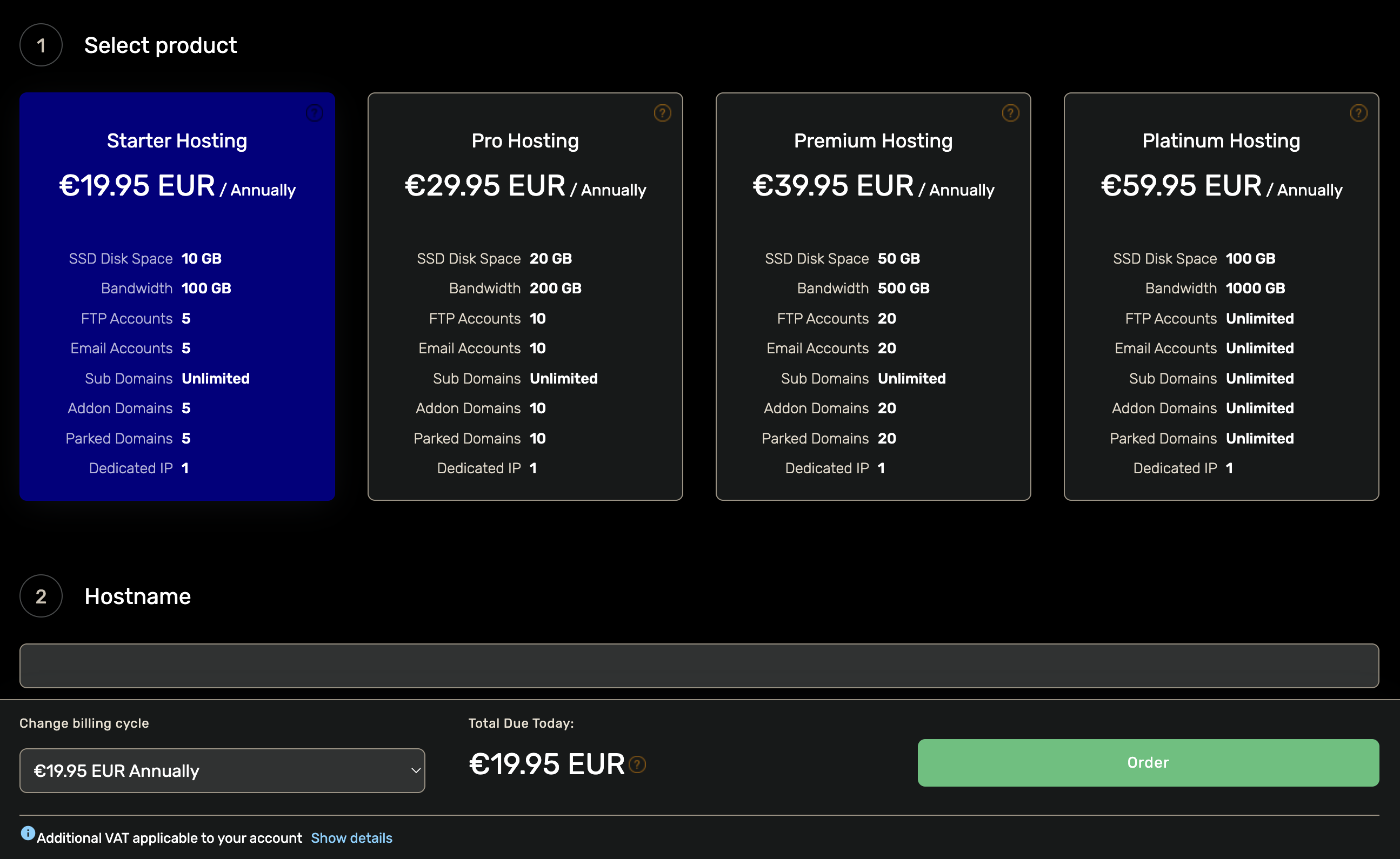
- Select product: the plan you want.
- Hostname: the domain the account will serve. If you don’t have one yet, register a domain first.
- Billing cycle: annual terms from 1 to 5 years.
Click Order, review the cart and complete the payment. The hosting account is set up automatically once the payment clears.
Manage the service
Open Services in the client area and select the hosting service.
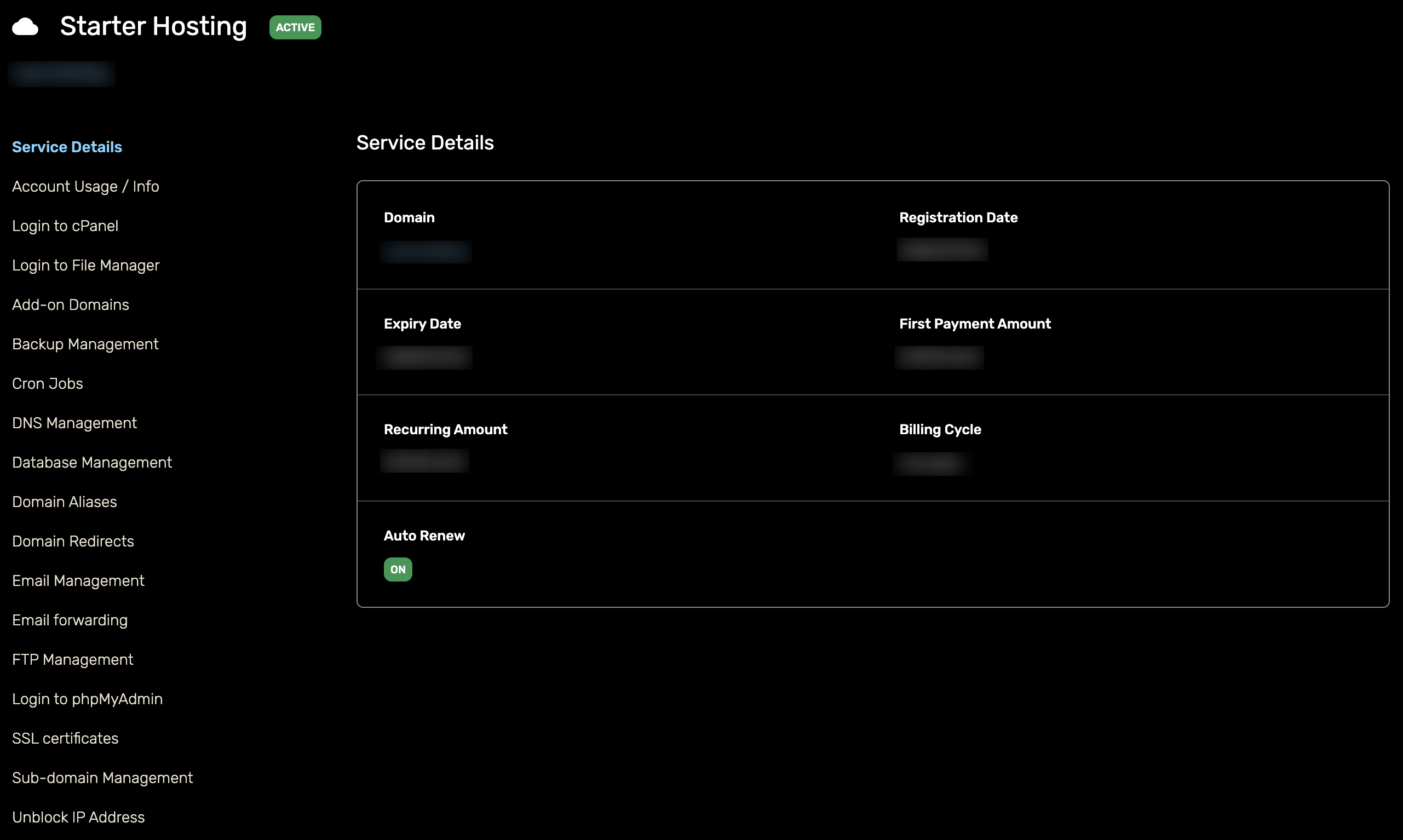
The service page shows the domain, expiry date, billing cycle and auto-renew switch, and the sidebar manages the account directly: add-on domains, DNS, email, FTP, databases, backups and cron jobs.
Sign in to cPanel
For the full control panel, click Login to cPanel in the sidebar and you are signed straight in. Login to File Manager and Login to phpMyAdmin jump to those tools directly.
Next step: Renew your service